Credits
Some features of Scarlett are paid-per-use, and will require you to have credits on the system. This article teaches you how to purchase credits, review your balance, and view your invoice.
Related Training
Video Walkthrough
Features that Require Credits
DocuSign - $2.50/envelope
Opta - $13.00/ea
Bank Statements via Flinks - $2.50/account
CRA Documents - $15.00/each applicant request
View Credit History
1) From your main Scarlett dashboard (not within Scarlett Mortgage), click on your profile icon and select "Subscriptions & Credits"
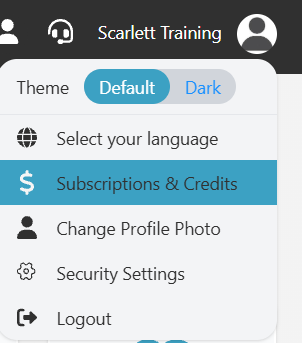
2) Here you can view and manage both subscriptions and credits on your account.

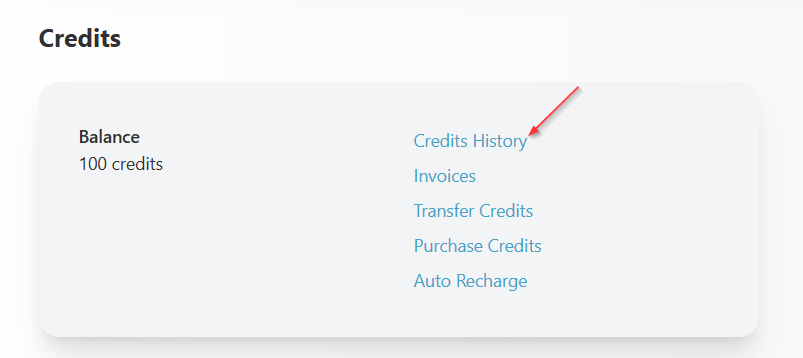
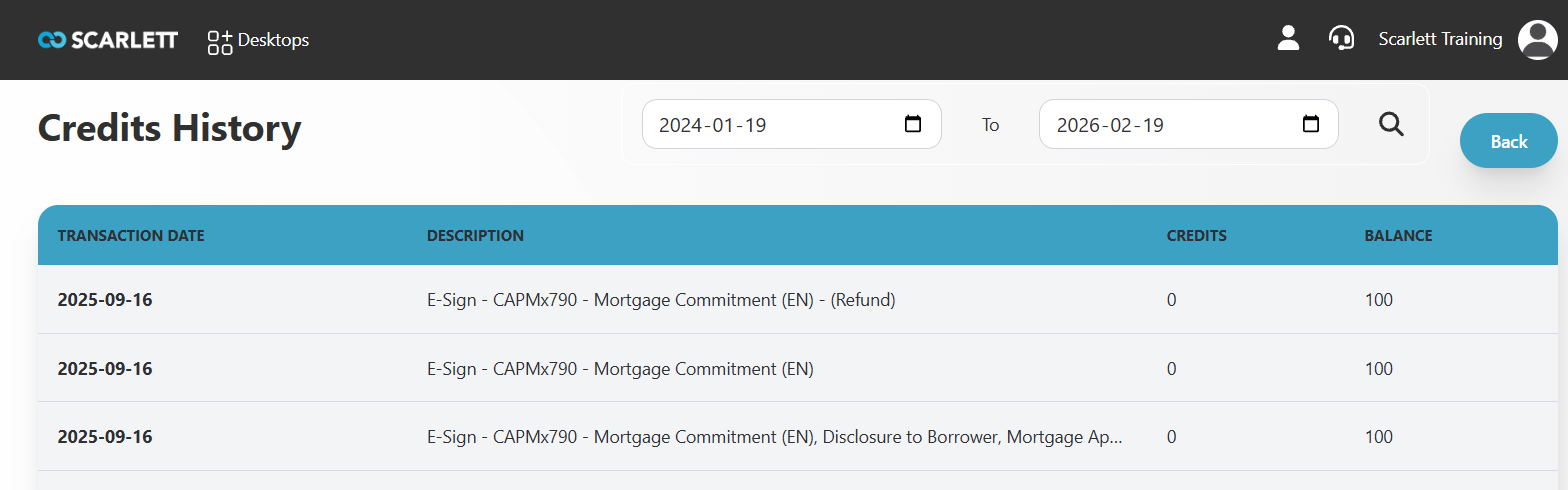
3) Scroll to the bottom and click "Credit History"
4) Here you can view the purchase and use of credits on your account.
Purchase Credits
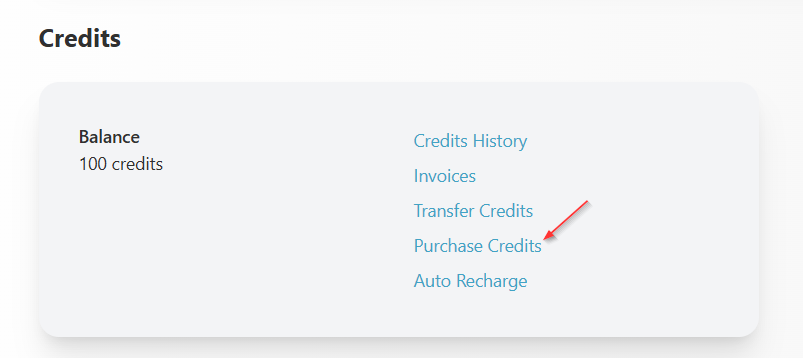
1) From the Subscription & Credits view screen, click "Purchase Credits"
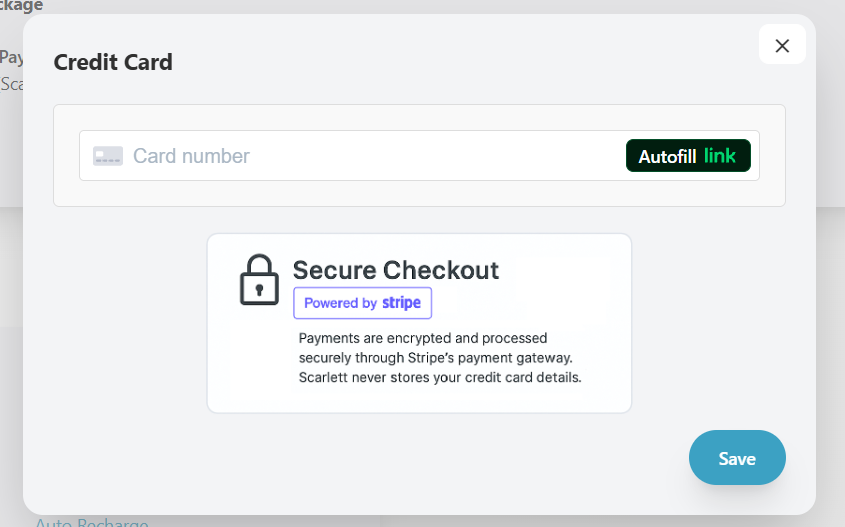
2) If you do not yet have a credit card registered to your account, a pop-up will ask you to enter this information.
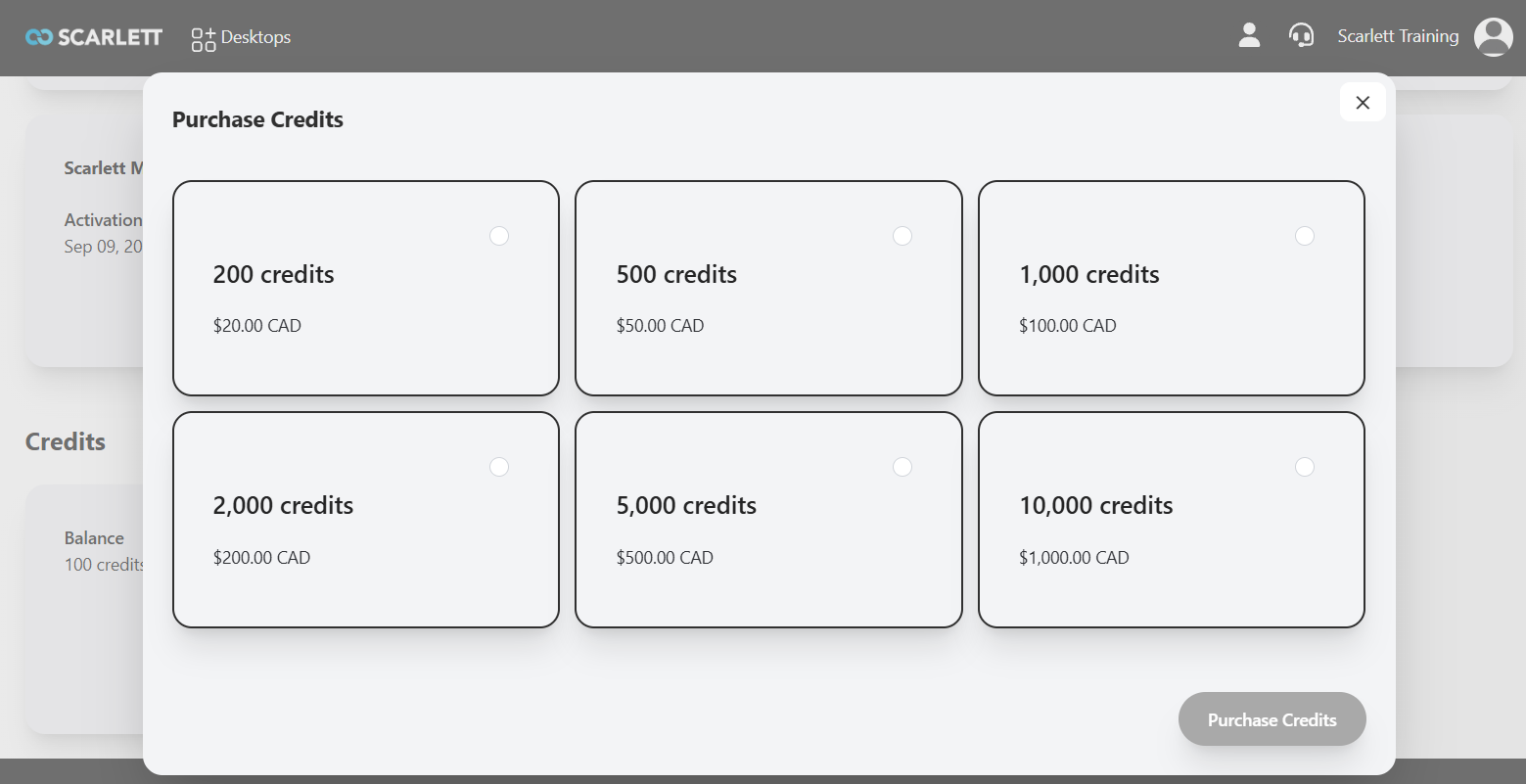
3) Select one of the credit options for purchase and click "Purchase Credits".
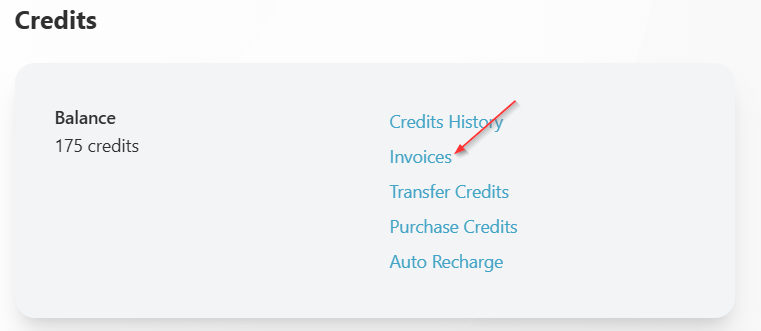
3) You will see the new credits added to your available balance, and a receipt will be emailed to you.
View Credit Purchase Invoice
1) From the Subscription & Credits screen, click "Invoices"
2) Click "Print Invoice" next to the Credit Purchase you wish to view.

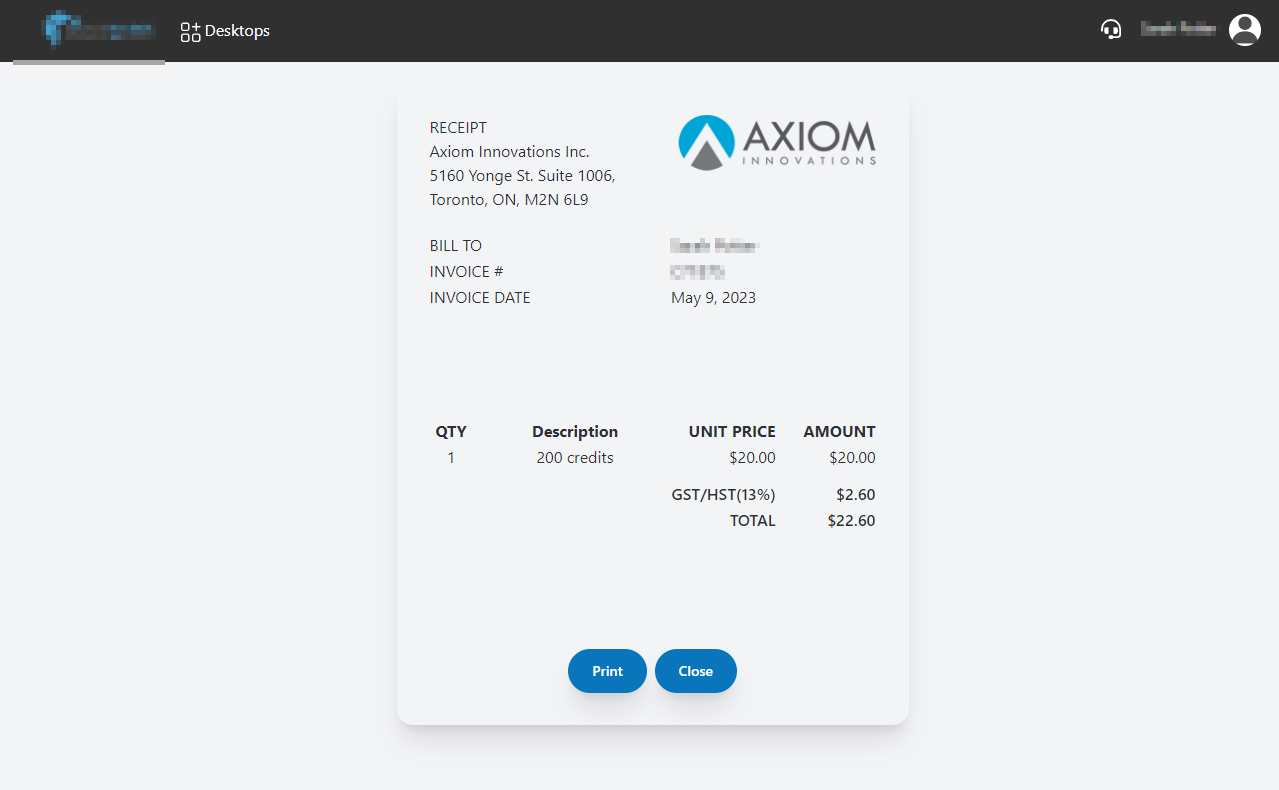
2) The invoice will populate within the screen. To print a PDF copy, click "Print".
Transfer Credits
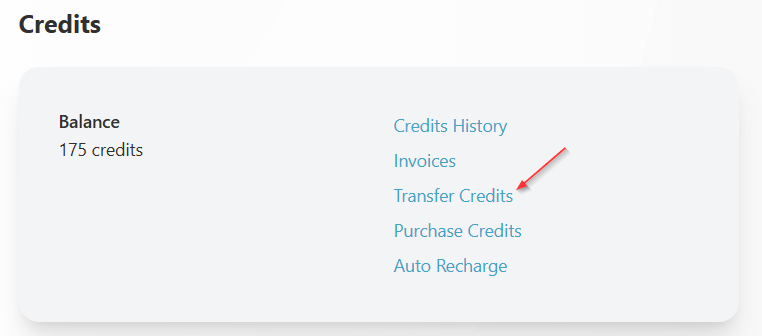
1) From the Subscription & Credits screen, click "Transfer Credits"
2) Enter the number of credits and select the person you wish to transfer credits to from the drop down. This field populates from the active users at your brokerage.
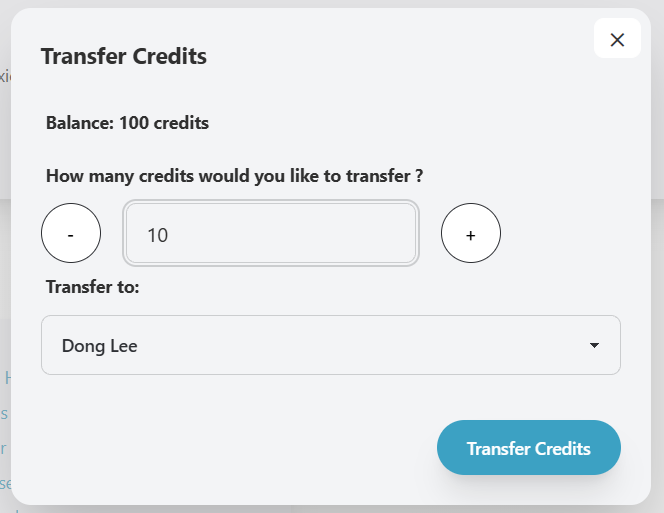
3) Click "Transfer Credits".
Auto Recharge
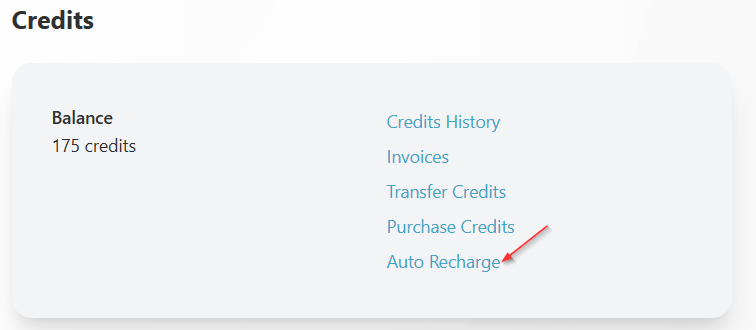
1) From the Subscriptions & Credits screen, select "Auto Recharge"
2) Slide the toggle to "On"
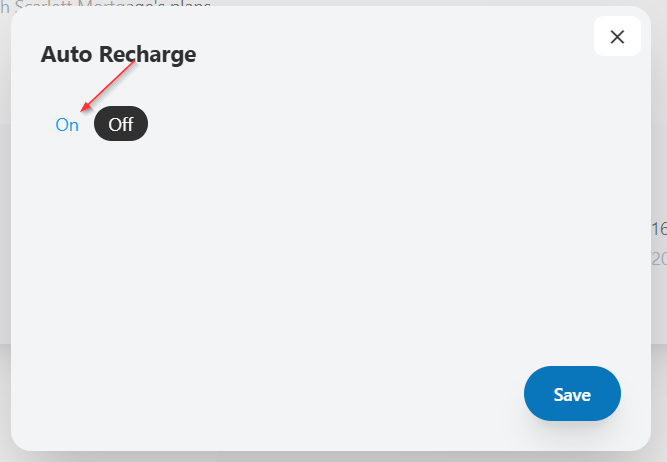
3) Select the minimum balance that should trigger a new credit purchase, and the amount that should be purchased.
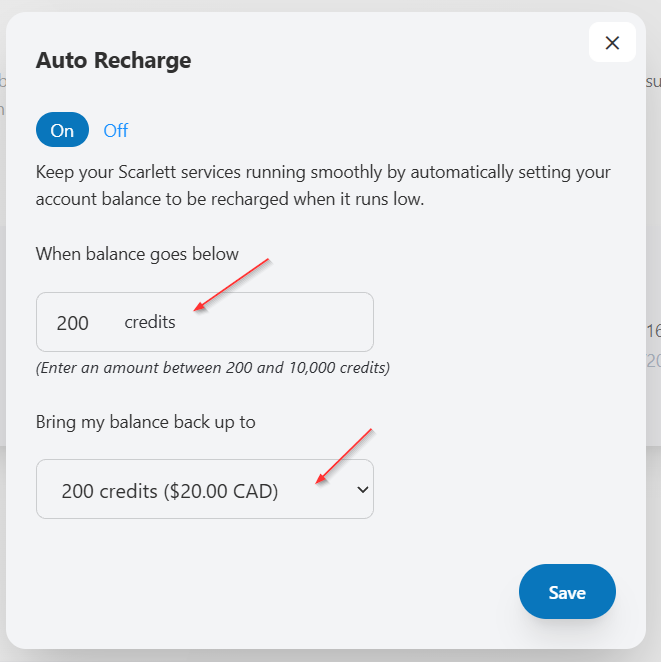
4) Click Save. To turn the auto recharge off, simply toggle the slider to "Off".
Scarlett Tips
Can I use credits to pay for my Equifax or Transunion pulls?
No, for any service which integrates with Scarlett but has independent billing through your account with them, you cannot use credits to pay for these functions.
How can I lower my costs to use these services?
If you are using many of these options, it may be advisable to change to the Convenience Plan and pay a once monthly fee.